
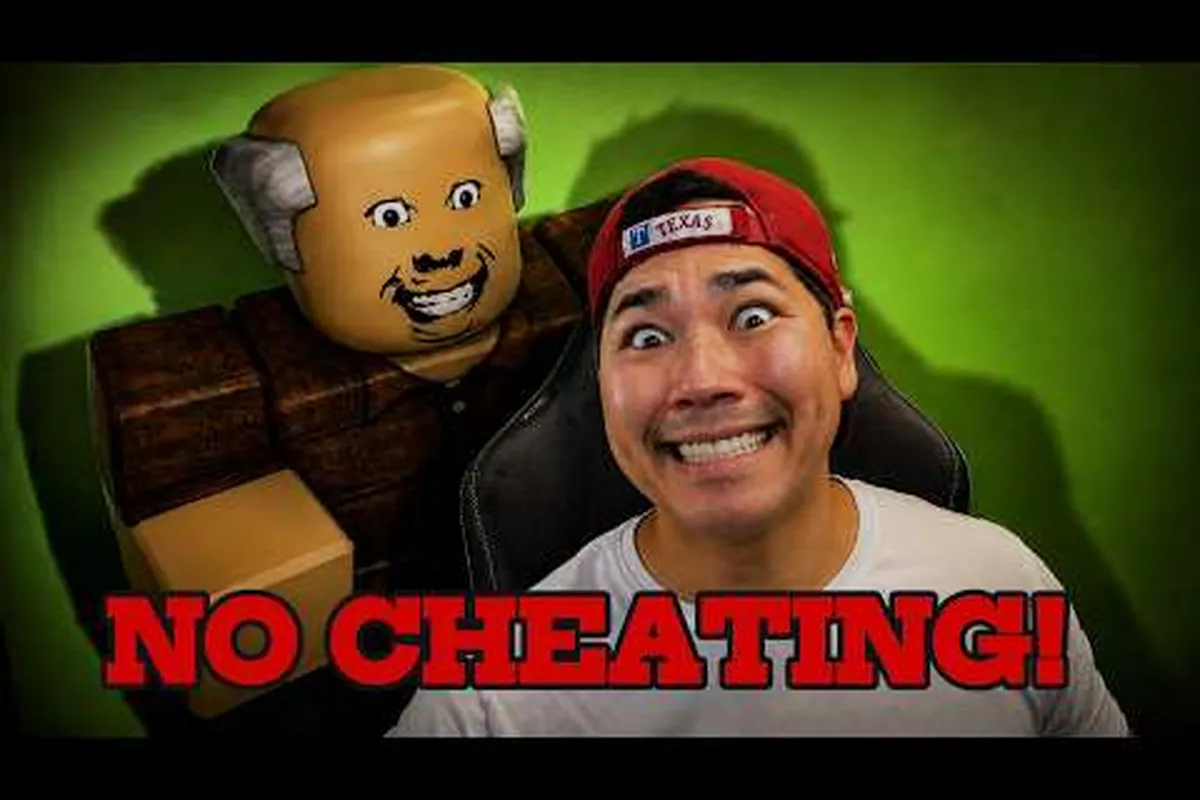
In Cheating During Testing, the teacher turning around is the single highest-stakes moment in every run. One mistimed glance and the whole exam collapses. The Roblox stealth game by ebenxzy lives or dies on whether you can read the teacher turning around cue, hear the footsteps sound, and pocket your phone before the screen flashes red. This guide breaks down every audio tell, every animation frame, and every teacher penalty that follows a failed read, so you can stop guessing and start cheating with confidence.
The Teacher Turning Around Mechanic in Cheating During Testing
The teacher in Cheating During Testing is a state-driven AI, and the most important state transition for any player is "writing on the board" → "scanning the room" → "turning around." During the first phase, the teacher faces away from the desks, and you have a window to use your phone or swap an answer. During the scanning phase, the teacher pivots slowly, building aggro if any phone, snack, or movement noise registers. During the final phase — the actual teacher turning around — the AI locks in a vision cone and checks every desk in sequence. The duration of that lock is what every player in the community calls the "death window."
The relevant timers below come from extensive community testing across multiple classroom seeds on the current BETA build, so exact durations may shift slightly as ebenxzy tunes AI parameters in future balance patches. Treat these figures as dependable practical anchors rather than rigid constants when calculating your personal cheat windows.
| Teacher Phase | Visual Cue | Audio Cue | Player Action Window |
|---|---|---|---|
| Writing on board | Back fully turned, chalk animation | Soft chalk scratch, ambient hum | Cheat freely (phone, snacks) |
| Pre-turn pause | Shoulder twitch, head tilt | Brief silence drop | Begin closing phone, freeze movement |
| Teacher turning around | Slow pivot, body silhouette | Sharp footsteps sound on tile | Phone MUST be off-screen |
| Facing room | Eyes visible, vision cone active | Heavy silence, occasional scold bark | No movement, look down at paper |
| Writing resumed | Back to board | Chalk returns | Reset cycle, full window opens |
The cheating during testing teacher turning around trigger is not random — it always announces itself with a combination of a shoulder twitch (visual) and a sudden absence of the chalk-scratch loop (audio). Players who rely on only one of these two channels miss roughly 30–40% of cues, according to community data from the Roblox group. The trick is dual-channel reading: when you see the shoulder drop and hear the audio drop simultaneously, the timer to the turn has already started.
Why the Turning Animation Matters More Than the Vision Cone
A common mistake among newer players is to think that hiding behind a tall phone, a smart watch, or the edge of the desk blocks the vision cone. It does not. The cone is a hard line-of-sight check that fires at the moment the teacher's eyes sweep across your seat. The cone's width determines whether you get caught; the turning around animation determines when that cone arrives. Reading the animation is therefore more valuable than trying to crouch or hide, because the cone is wide and short — you either time it before the turn or after the cone passes, never during.
If you want a broader breakdown of how the teacher's AI states connect to the vision cone and patrol routes, the teacher-ai mechanics overview covers the full finite state machine in detail. Reviewing how alert triggers cascade between phases helps eliminate reckless glances before the pivot animation even begins.
Cheating During Testing Teacher Audio Cues You Should Never Ignore
Audio in Cheating During Testing is not decoration — it is a pre-warning system. The game layers three distinct loops: ambient classroom noise (ventilation, distant hallway), chalk scratch (teacher writing), and the footsteps sound (teacher moving). Each loop has a different volume curve, and the transitions between them are where the cheating during testing teacher alerts hide.
The Three Core Audio Layers
-
Ambient layer: Continuous low hum. It does not change during a turn. Use it as a baseline.
-
Chalk scratch: Dominant loop while the teacher is at the board. Cuts abruptly the instant the teacher decides to turn.
-
Footsteps sound: A short, sharp tap pattern on tile. It always plays just before the turn completes — usually 0.4–0.6 seconds before the vision cone locks. This is your most reliable warning.
The cheating during testing teacher audio cues system is built so that visual players and audio players both have a fair shot, but the audio channel carries slightly more lead time. According to community testing, players using headphones catch the footsteps sound cue about 0.2 seconds earlier than they catch the visual shoulder twitch on a 60Hz monitor. If you play on a low-FPS laptop or a tablet, audio becomes your primary channel.
How to Tune Your Audio Setup
Roblox's default mixer compresses quiet sounds aggressively, so the footsteps sound can disappear under the chalk loop or a teammate's voice chat. Bump the in-game SFX slider to 80–100% and lower the music slider to around 30%. If you are playing on a Roblox mobile build, the audio compression is heavier and you will need to physically tilt the device or move to a quieter room to keep the cue readable. Community reports suggest that playing in a public lobby with voice chat on raises the failure rate by roughly 20% simply because the cheating during testing teacher audio cues get buried under other players.
| Audio Layer | When to Trust | When to Ignore |
|---|---|---|
| Ambient hum | Always (baseline) | Never — it does not signal turns |
| Chalk scratch | While at board | During the pre-turn pause, the scratch cuts early |
| Footsteps sound | Always (most reliable) | Only when a teammate is using a loud gadget nearby |
| Voice chat | Never trust for turn timing | Use only for teammate callouts, not for teacher reads |
A common confusion is the footsteps sound of a snitch student versus the teacher. Student footsteps are softer, quicker, and usually accompanied by a chair squeak. Teacher footsteps are heavier, spaced further apart, and never overlap with a chalk loop. If you hear both, prioritize the teacher — the snitch is a delayed penalty, while the teacher is an instant one.
Reading the Footsteps Sound and Visual Pre-Turn Tells
The most reliable read in Cheating During Testing comes from stacking the footsteps sound with the visual shoulder twitch. Neither cue alone is consistent enough, but combined they give you about 0.7 seconds of reaction time, which is enough to close a phone, drop a snack, and snap your character's head back down to the desk. The reaction window below breaks down the timing of a typical turn cycle in the BETA build.
| Signal | Approximate Lead Time | Reliability (Community) |
|---|---|---|
| Chalk scratch cuts out | 0.9–1.1s | ~75% (can be confused with room shifts) |
| Shoulder twitch | 0.6–0.8s | ~80% (visual learners only) |
| Footsteps sound starts | 0.4–0.6s | ~95% (most reliable) |
| Vision cone locks | 0.0s | 100% (too late) |
What the Shoulder Twitch Actually Looks Like
The teacher's character model has a brief shoulder drop, almost like a deep breath, right before the pivot begins. On lower graphics settings this can be hidden by shadow flicker, so players on low-end hardware should lean even more on the cheating during testing footsteps sound cue. On higher graphics settings, you also see a head tilt where the teacher's eyes briefly glance at the floor — that is the second-tier visual tell and it lines up almost exactly with the start of the footsteps sound.
Common Misreads That Get You Caught
-
Confusing a snack animation for a turn tell. Eating a snack has a small hand-raise animation. If you see it on your own character, it is not a teacher cue — it is hunger management. Do not pocket your phone because of a self-animation.
-
Reacting to a snitch raising their hand. Snitch warnings look like a freeze-frame, not a turn. The teacher does not turn on a snitch raise — they walk toward the snitch's seat. These are different events with different audio profiles.
-
Pocketing the phone too early. A common over-correction is closing the phone at every ambient sound. This wastes precious cheat time. Trust the cheating during testing teacher turning around cue stack, not background noise.
For a deeper dive on how snitch hand-raises interact with teacher pathfinding and the overall penalty system, the snitch penalty guide is essential reading once you have the teacher's turn timing locked down. Understanding dual-threat dynamics prevents panicking when an alert sounds while the teacher is mid-walk.
Cheating During Testing Getting Caught: What Actually Happens
Getting caught in Cheating During Testing is a hard fail, not a soft warning. The moment the teacher's vision cone overlaps your seat while you are holding a phone, while a snack animation is mid-bite, or while your crosshair is on a cheat window, the screen cuts to the caught cinematic. The teacher walks to your desk, raises a hand, and the round ends with an "F" grade and a credit penalty. There is no retry mid-exam — you go back to the lobby.
The Cheating During Testing Teacher Penalty Breakdown
The cheating during testing teacher penalty is strictly tiered, and the severity tier you fall into depends entirely on what the teacher's vision cone detects at the moment of inspection. Below is a community-observed summary of the penalty states cataloged from live test runs in the current BETA build.
| Caught State | Trigger | Result |
|---|---|---|
| Phone visible during turn | Phone out + vision cone overlap | Instant F, full credit loss, lobby return |
| Snack mid-bite during turn | Eat animation active during cone | Instant F, full credit loss |
| Movement during turn | Walking while cone is active | Instant F if you cross the cone; warning if you stop |
| Wrong answer | Submitted during the exam | Grade drops, no instant fail, but no credit bonus |
| Anxiety spike | Anxiety hits max from a close call | Indirect F via the anxiety game-over screen |
| Snitch raise | A student reports you | Walked-on penalty, partial credit loss, exam continues |
The instant-F cases are the ones driven directly by the teacher turning around. The other states are secondary and only matter once you have already failed to time the turn. Knowing which penalty you are risking is what separates a player who loses 30 credits per failed run from one who loses the entire run.
Cheating During Testing What Happens When Caught: The Cinematic
The caught cinematic lasts about 4 seconds. During those 4 seconds, the audio cuts to a low-warning tone and the cheating during testing teacher alerts UI flashes red. The grade screen then appears showing an F, the credits you would have earned are zeroed, and your multiplier for the next run resets to 1.0x. According to community data, the average credit loss per caught run in the BETA build is around 80–120 credits, which is roughly one full mid-tier phone's price. That is the real cost of a missed teacher turning around read.
Surviving Every Turn: A Practical Cheating During Testing Turn-Read Routine
Theory is useful, but the real win is a repeatable in-game routine that you can run every exam without thinking. The community-developed routine below stacks the audio, visual, and input layers in the order they fire, so your reaction time is mechanical rather than panicked. It is the same routine that high-score players use to keep a clean A run across a full test.
Step 1: Pre-Cheat Audit
Before the exam clock starts, scan the room for the teacher's starting position, the closest snitch seats, and the wall clock. The wall clock is your second-tier cheating during testing teacher audio cues proxy because the teacher sometimes turns at clock-aligned intervals. Map the room, then sit.
Step 2: Dual Audio and Peripheral Monitoring
While cheating, watch the teacher's shoulders and keep the footsteps sound on the edge of your hearing. Do not look directly at the teacher — peripheral vision catches the shoulder twitch faster than direct focus. The moment either signal fires, execute the pocket sequence in step 3.
Step 3: The Pocket Sequence
-
Release the cheat button (phone snaps to a half-state).
-
Press the close/pocket key.
-
Snap your character's head back down to the desk.
-
Hold still for one full second after the vision cone passes.
The whole sequence takes about 0.5 seconds, which fits inside the 0.7-second window you get from the cheating during testing teacher turning around cue stack. Players who try to finish a phone interaction before pocketing almost always fail because the phone close animation alone eats 0.3 seconds.
Step 4: Post-Turn Reset
After the teacher resumes writing, wait one full second before reopening the phone. This avoids the "second-turn" trap, where the teacher fakes a resume and turns again within 1.5 seconds. According to community testing, the fake resume happens in roughly 12% of turns in the current BETA, and it is the single most common cause of "I thought I was safe" caught screens.
Step 5: Long-Run Anxiety Control
Anxiety spikes after close calls, and a spiked anxiety bar is its own way of getting caught — the anxiety game-over screen will lock you out even if the teacher does not catch you. Eat a snack before the exam to drop the anxiety baseline, and keep one snack in your inventory for post-turn resets. The official Cheating During Testing page on Roblox confirms that anxiety is a tracked stat and that the bell timer ties directly to it.
Frequently Asked Questions
How long is the teacher's turning around animation in Cheating During Testing?
The full pivot from "writing" to "facing the room" takes about 0.9–1.1 seconds in the current BETA build, with the vision cone locking in the final 0.3 seconds. That means you have roughly 0.6–0.8 seconds of "head still turning" time where the cone is not yet active, which is your last clean window to pocket a phone. After the cone locks, any visible cheat tool is an instant caught state.
Can headphones make the footsteps sound cue easier to read?
Yes, and they are the single biggest upgrade for turn-read accuracy. Over-ear headphones with stereo separation let you place the teacher's position in the room, which is useful for predicting which direction the next turn will sweep. Earbuds also work, but cheap mono speakers flatten the footsteps sound and reduce the lead time by about 0.1 seconds — enough to push some players into the late-reaction zone.
Does the teacher turning around cue change in multiplayer matches?
The cue stack itself is identical, but the audio channel is more crowded because of other players' gadgets and voice chat. In a four-player lobby, the cheating during testing teacher audio cues become roughly 20% harder to read on average, and the cheating during testing teacher penalty for a miss is harsher because teammates lose their credit bonus too. Solo runs are the best place to drill the read; multiplayer is where you apply it under pressure.
What is the best seat to avoid being caught during a turn?
The back-corner seats give you the longest reaction window because the teacher's cone sweeps them last, and the desks offer a partial line-of-sight block. Front-row seats are the most exposed because the cone sweeps them first. Pair the back-corner with a snack pre-load and you can survive almost any teacher turning around cycle without pocketing your phone in panic.
Does the new teacher update change the turning around timing?
The ebenxzy update cycle has shifted the turn interval in past patches, and the team's Cheating During Testing update tracker is the most reliable way to know whether a current build has changed the turn window. After any major patch, re-drill the routine above with a low-stakes run to re-baseline your muscle memory, because even a 0.1-second shift is enough to break a hard-coded habit.